
Smart home installation in Broward.
Ring battery doorbells and select wireless cameras installed for $85 each. Serving Broward County and Boca Raton.
Popular searches
- Ring Video Doorbell InstallationRing Battery Doorbell 2K Battery $85 · Wired $115
- Ring wireless camera installationWireless, Spotlight Cam & Stick Up Cam Wireless $85 · Spotlight $95 · Floodlight $180
- Ring Indoor Camera InstallationRing Indoor Cam $75
- Ring Floodlight Cam InstallationRing Floodlight Cam Wired Plus $180
- Ring Alarm System & SensorsRing Alarm Security Kit, 5-Piece Up to 5: $150 · 6–10: $250 · 11–15: $350
- TV Mounting Service (33”–60”) $120
- TV Mounting Service (61” or Larger) $185
- Home theater setup $149
- Smart Thermostat Installation $150
- Ring Smart Lighting SetupRing Solar Pathlight $64.99
- Solar Panel & Mounting Kit SetupRing Solar Panel (USB-C) $75 standalone · $25 with a camera
- Ring Chime & Chime Pro SetupRing Chime Pro $100 standalone · $49 with a doorbell
- WiFi Network & Alexa Integration $99
- Smart Lock Installation & Setup $150
- Smart home service call (up to 1 hour) $99
- Wi-Fi mesh setup $149
- Smart garage door controller setup $119
- Smart speaker, display or hub setup $79
- Eufy video doorbell installationVideo Doorbell E340 $99–$129
- Eufy security camera installationSoloCam S220 $89–$139
- Eufy floodlight camera installationFloodlight Camera E340 $195
- Eufy alarm and sensor installation5-Piece Home Alarm Kit $169–$369
- Eufy HomeBase setupHomeBase S380 $109
- Eufy smart lock installationSmart Lock C220 $165
No matching services. Browse all services

Browse by device
Two wireless cameras, one visit.
$154 for both installations at one address. Usually $170. Book by December 20, 2026. Bring your own compatible cameras.
Popular installations
View all services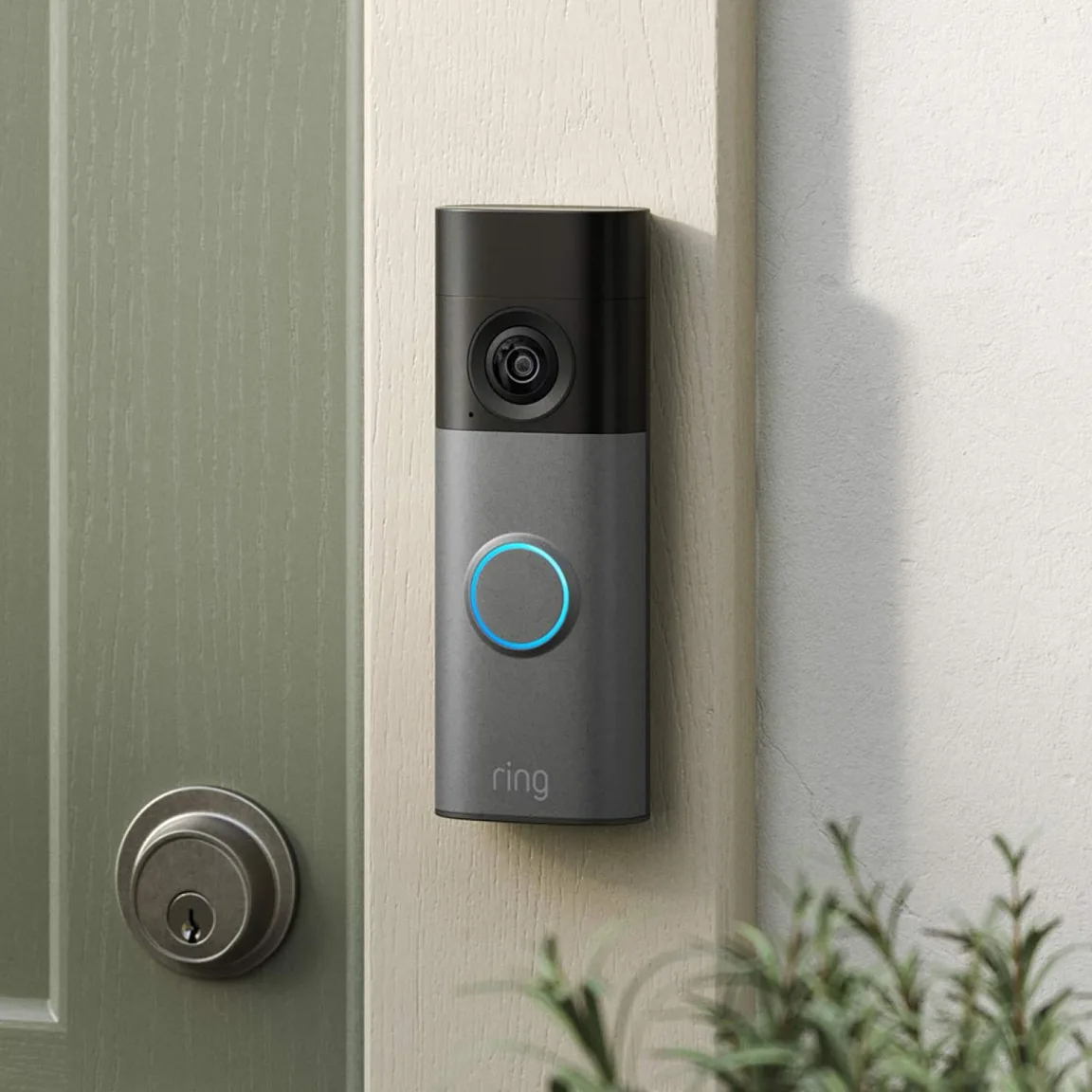
Ring Video Doorbell Installation
- Check your existing doorbell wiring or battery setup
- Mount and align your Ring video doorbell
- Connect the Ring app and set motion alerts
- Test the doorbell and pair one compatible basic plug-in Ring Chime
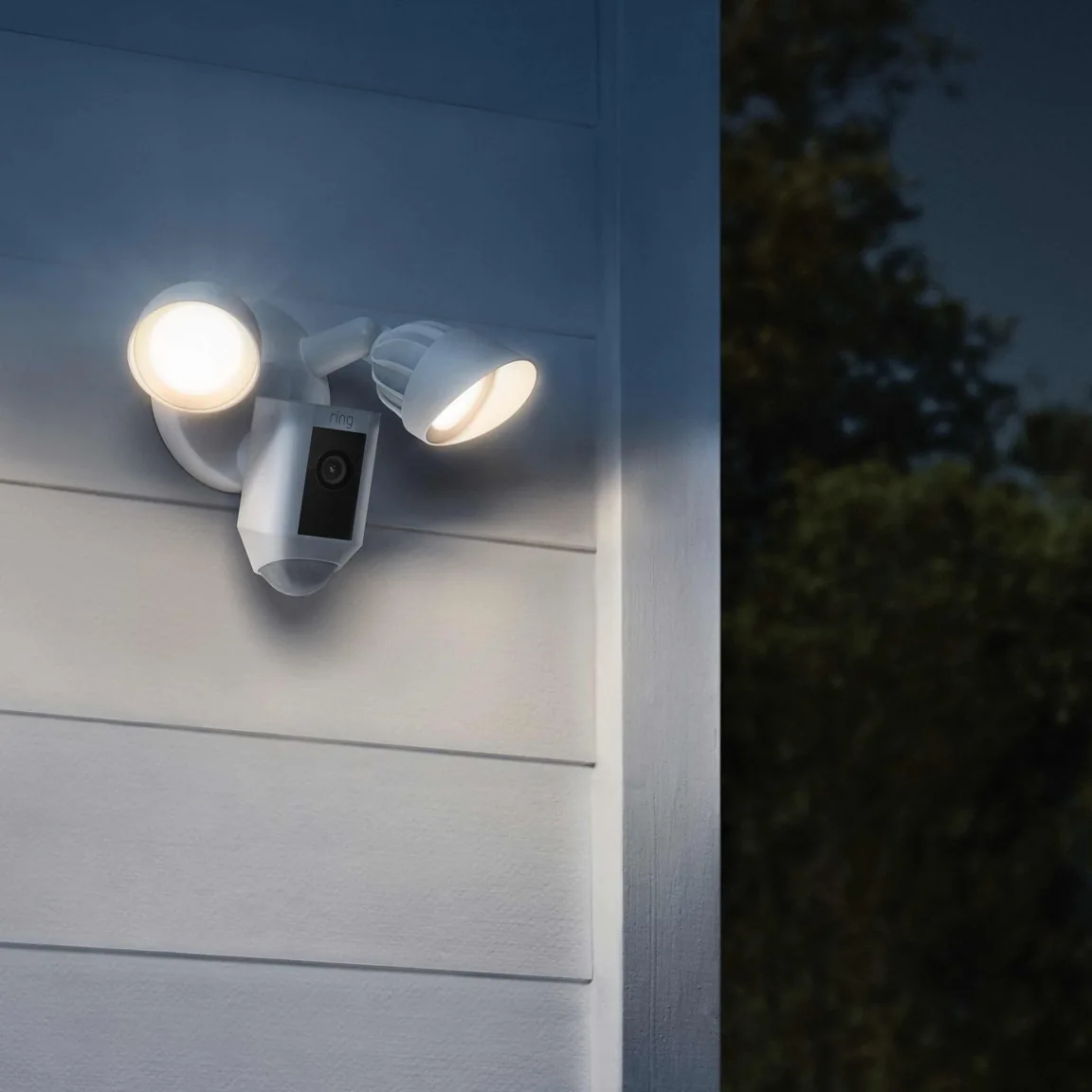
Ring Floodlight Cam Installation
- Check the existing powered junction box
- Mount your wired Ring Floodlight Cam
- Aim the camera and lights at the area you want to cover
- Connect the Ring app and test motion alerts
TV Mounting Service (33”–60”)
- Check the wall and bracket for one 33–60 inch TV
- Mount and level the TV
- Connect your video and audio devices
- Tidy visible cables and review optional concealment
More installation services
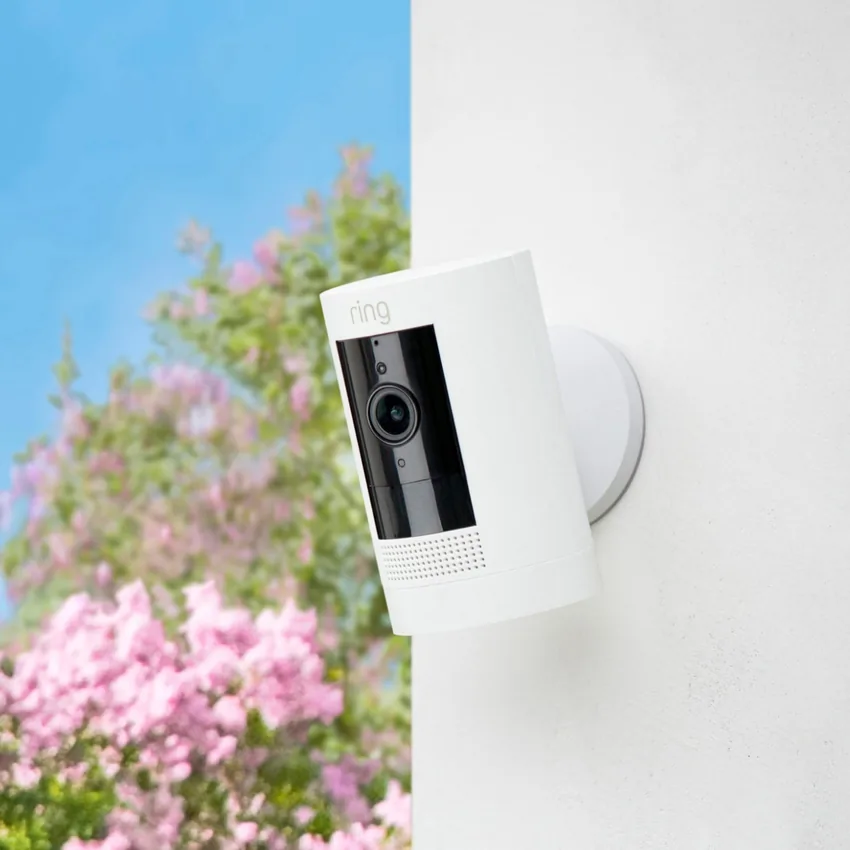
Ring wireless camera installation
- Choose a mounting location for your outdoor Ring camera
- Mount and aim one standard Ring wireless camera
- Connect the camera to Wi-Fi and the Ring app
- Adjust motion zones and test live video
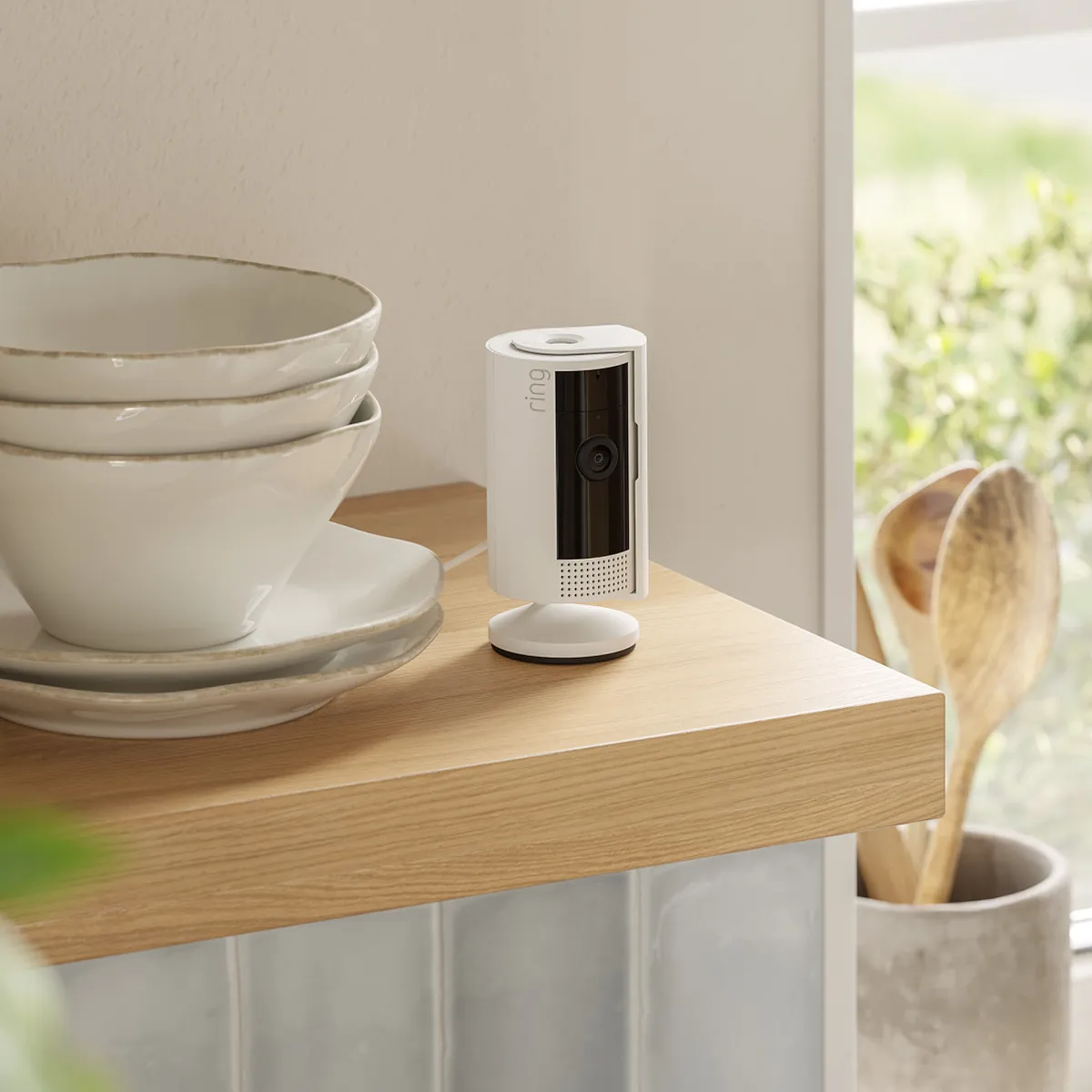
Ring Indoor Camera Installation
- Choose a wall or shelf with a clear view of the room
- Position your Ring Indoor Cam and connect it to Wi-Fi
- Set motion alerts and privacy zones in the Ring app
- Check live view from your phone
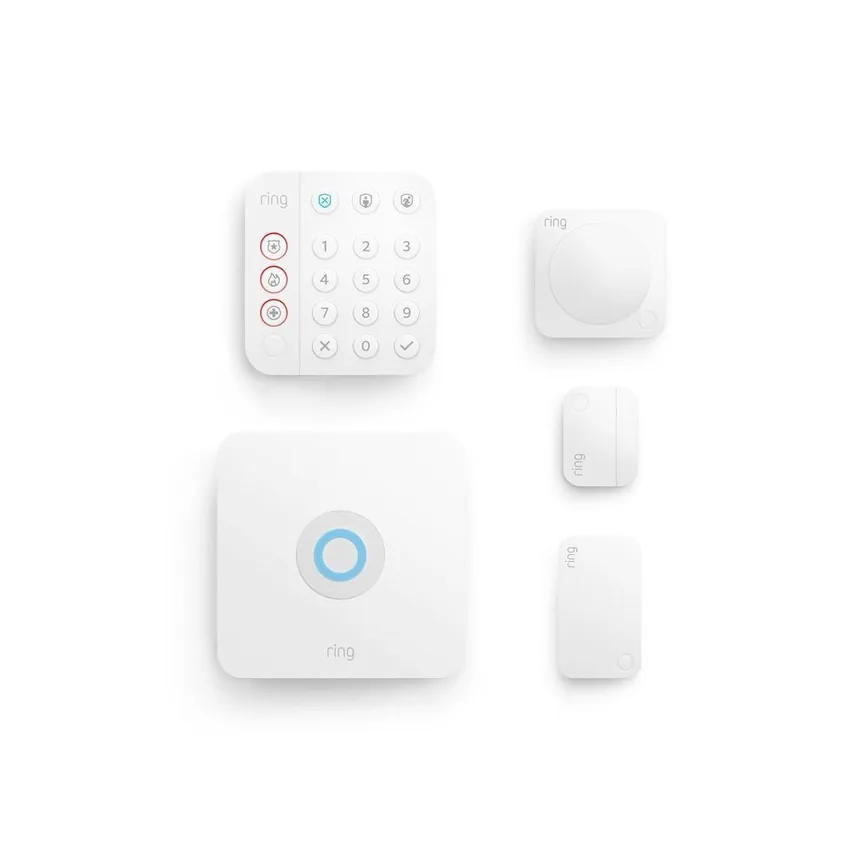
Ring Alarm System & Sensors
- Set up the Ring Alarm base station and keypad
- Install and label the sensors in your kit
- Configure Home and Away modes in the Ring app
- Test arming, disarming and sensor alerts with you
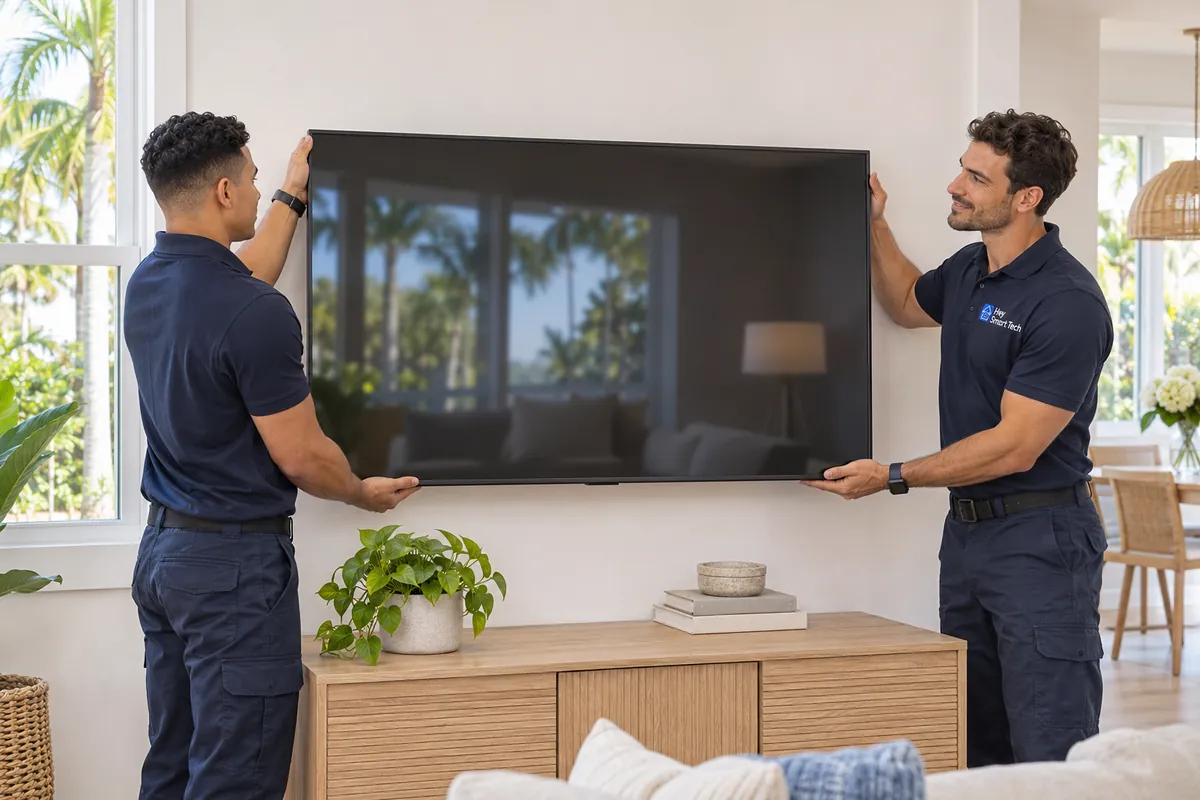
TV Mounting Service (61” or Larger)
- Check the wall and bracket for one TV 61 inches or larger
- Anchor the bracket and level the screen
- Connect your devices and test the picture
- Tidy visible cables and review optional concealment
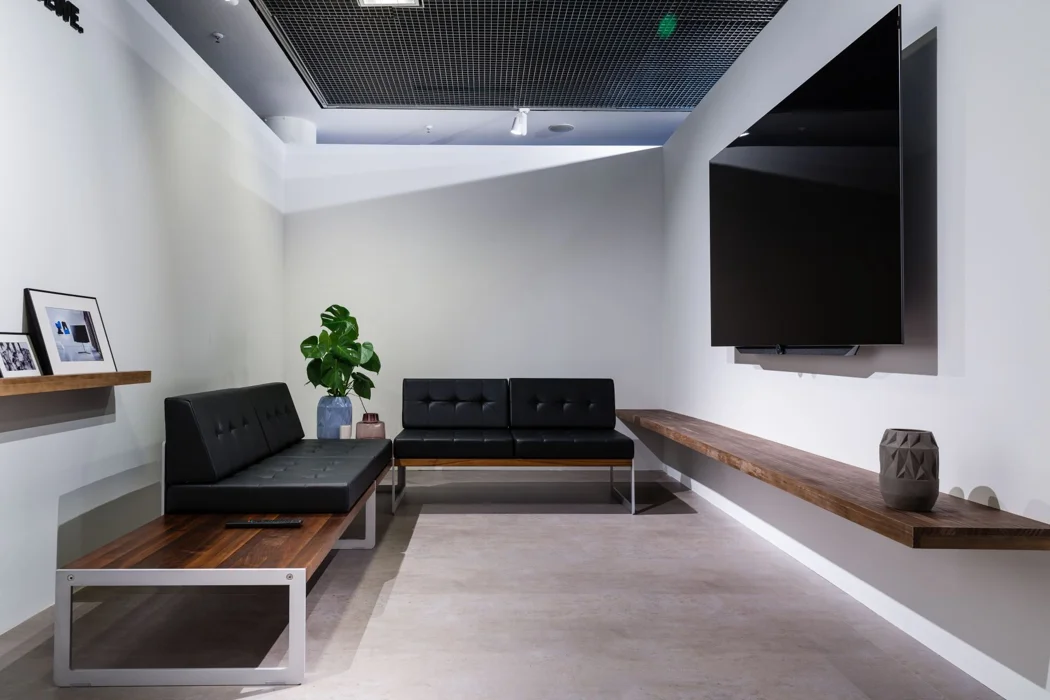
Home theater setup
- Connect your existing TV to one soundbar or AV receiver
- Set up one streaming device and choose the right inputs
- Test picture, sound, and volume control together
- Practice switching inputs and using your remote
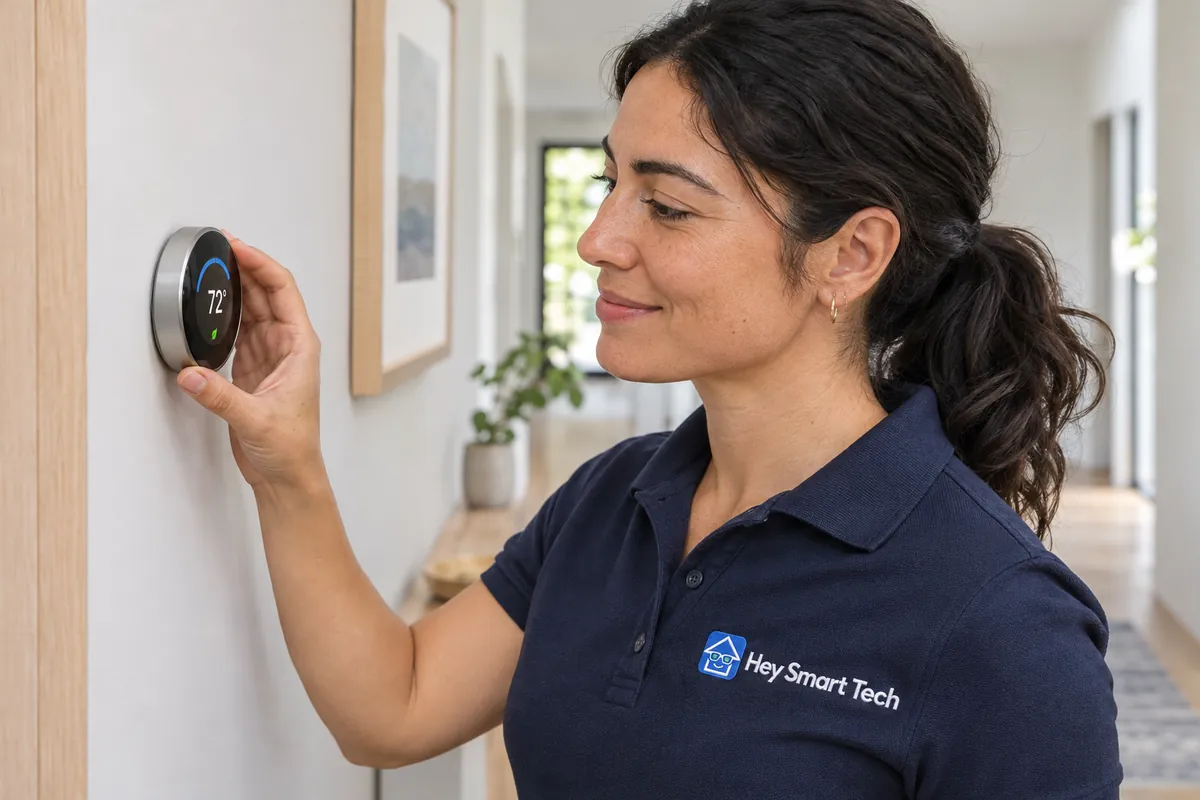
Smart Thermostat Installation
- Check the thermostat wiring for compatibility
- Remove the existing thermostat and install the new unit
- Connect the thermostat to Wi-Fi and its app
- Walk through temperature controls and schedules
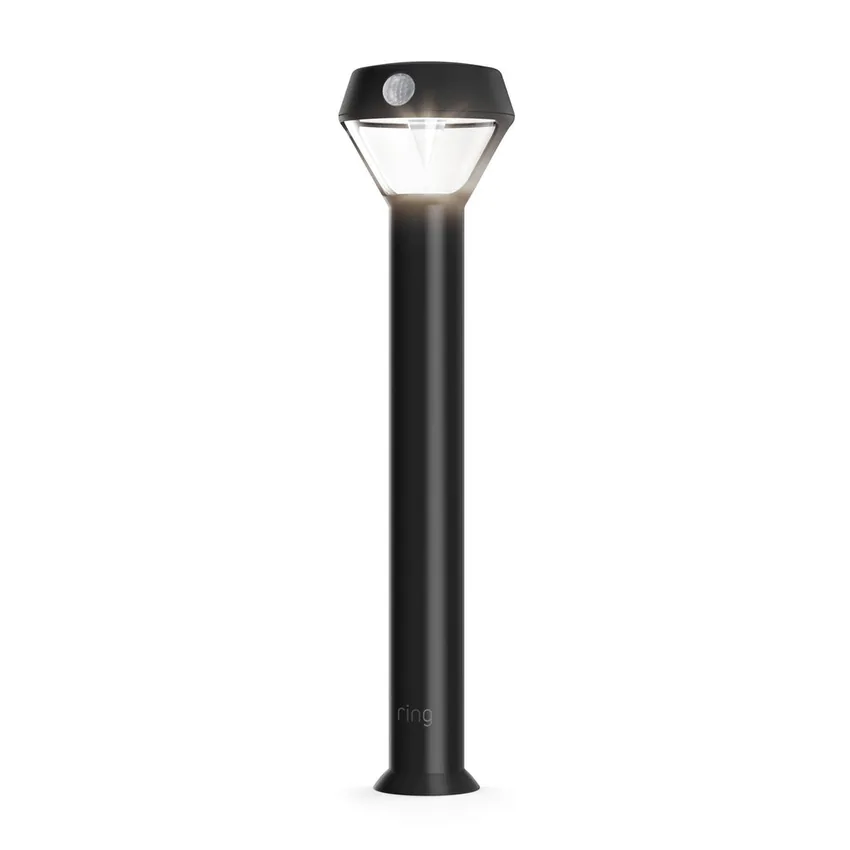
Ring Smart Lighting Setup
- Position and install your compatible Ring smart lights
- Connect the Ring Bridge if your lights require one
- Set brightness, schedules and motion zones
- Test the lights from the Ring app
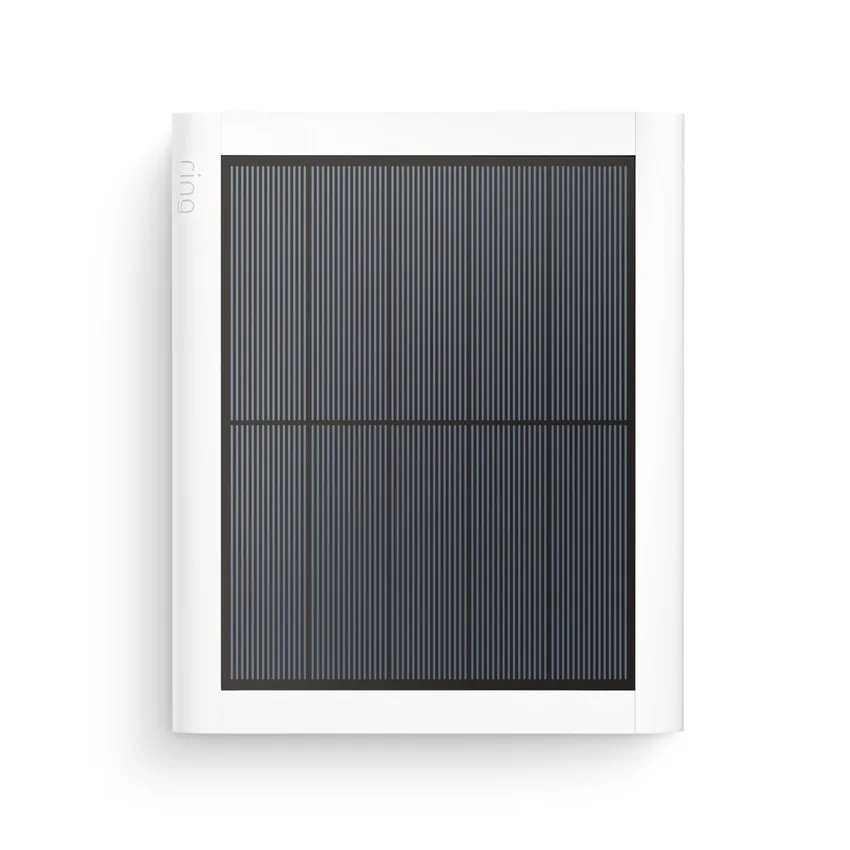
Solar Panel & Mounting Kit Setup
- Choose a sunny mounting spot for your Ring solar panel
- Mount and angle the panel
- Route the cable to your compatible Ring device
- Check the connection in the Ring app
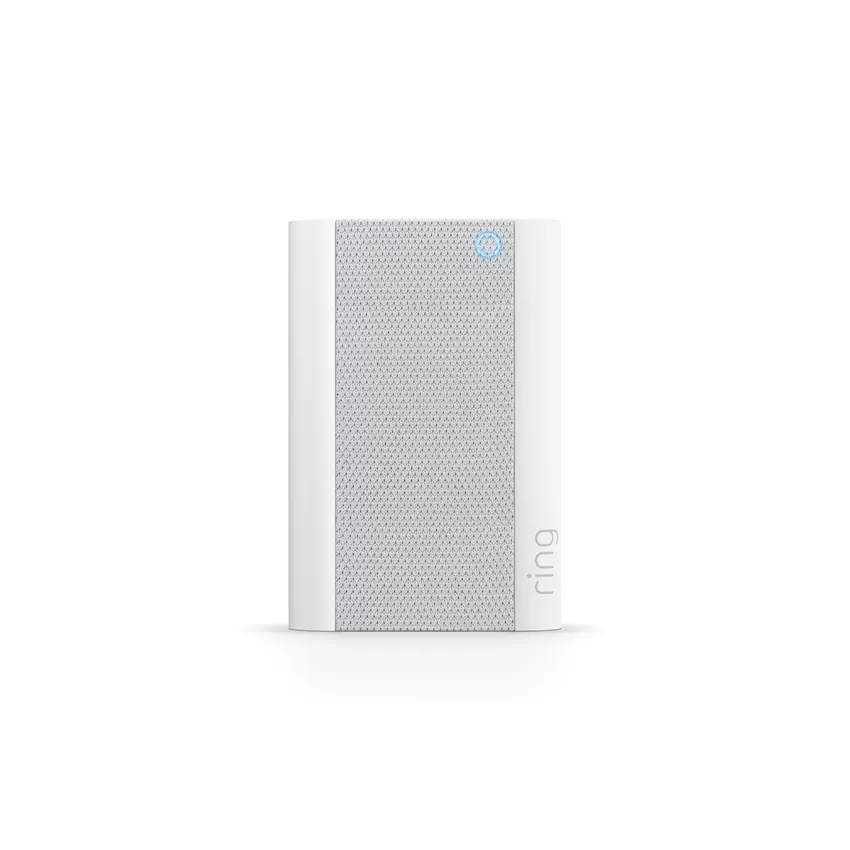
Ring Chime & Chime Pro Setup
- Choose a placement for your Ring Chime or Chime Pro
- Pair it with your compatible Ring doorbell or camera
- Set the chime tone and volume
- Test an alert with you
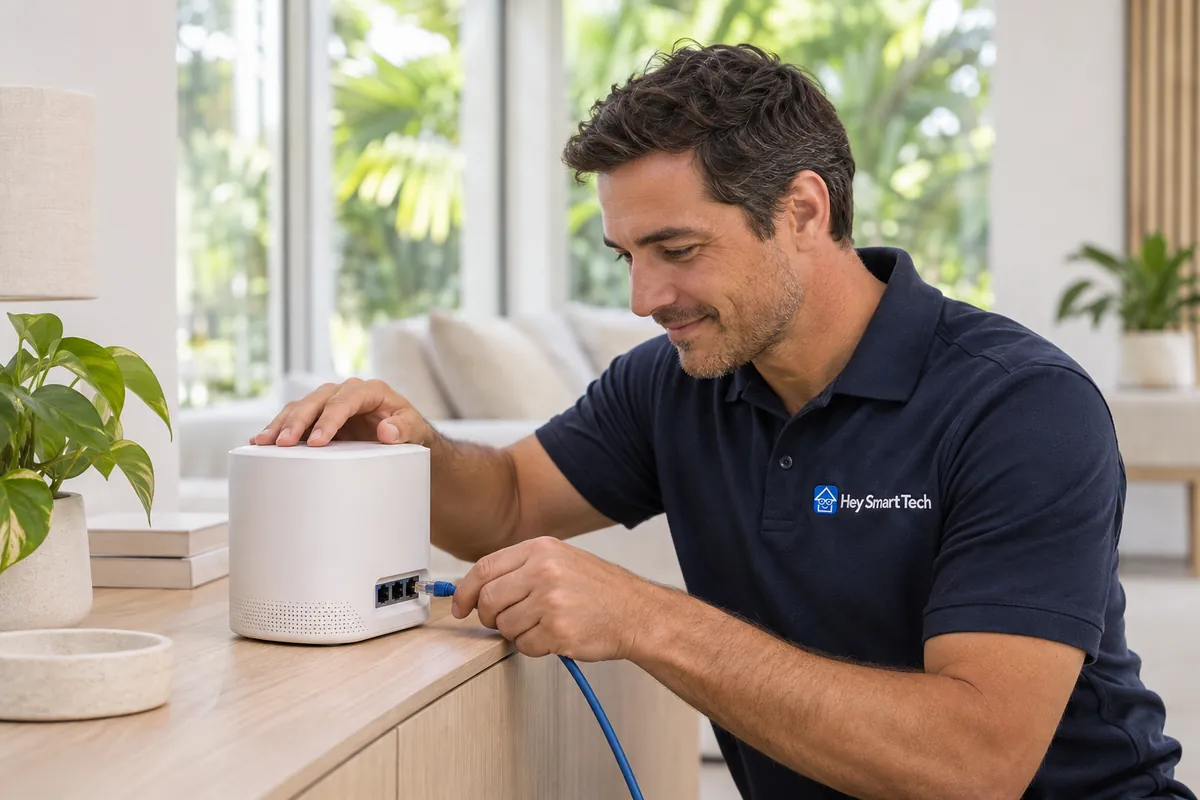
WiFi Network & Alexa Integration
- Configure one customer-supplied Wi-Fi router
- Review the network name, password and placement
- Test your connection and walk through the settings
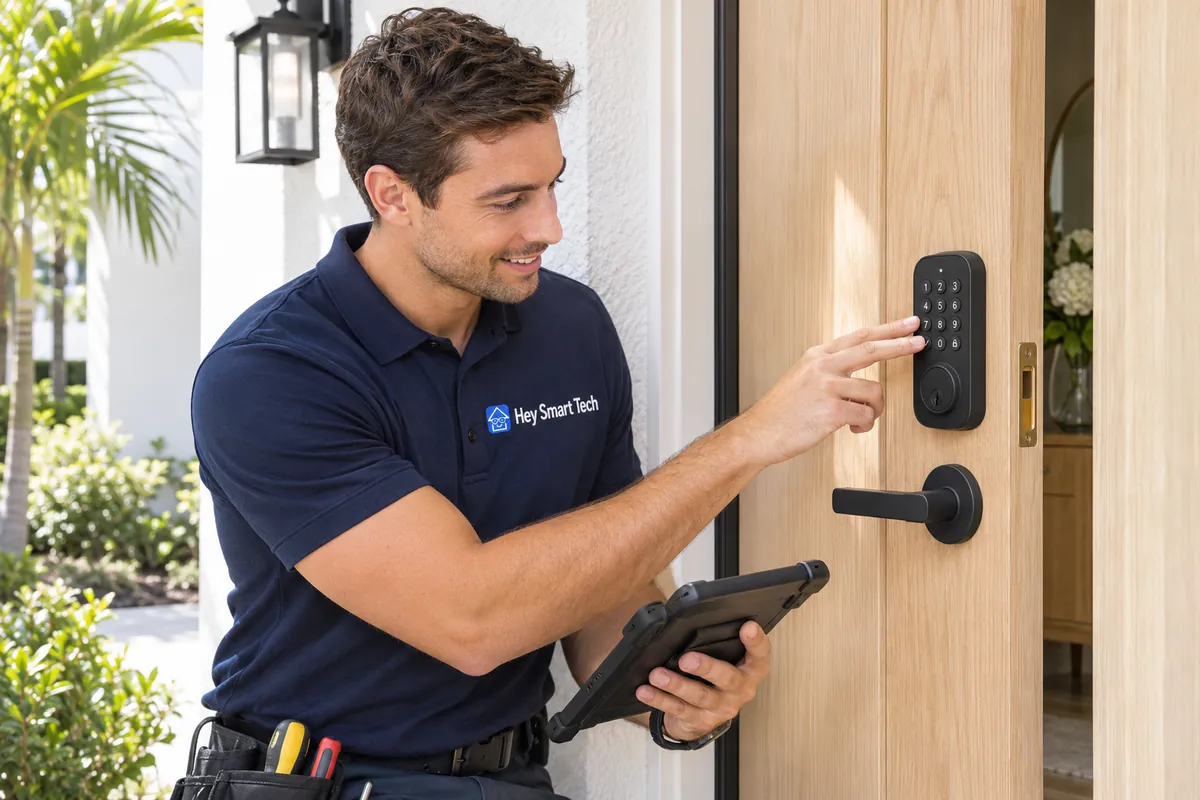
Smart Lock Installation & Setup
- Check the existing deadbolt and door alignment
- Remove the old lock and install your compatible smart lock
- Pair the lock with its app and set up access codes
- Test locking and unlocking with you
Smart home service call (up to 1 hour)
- Review the issue with your smart-home setup
- Check device connections and app settings
- Troubleshoot offline devices and Wi-Fi issues
- Discuss the next steps for your equipment
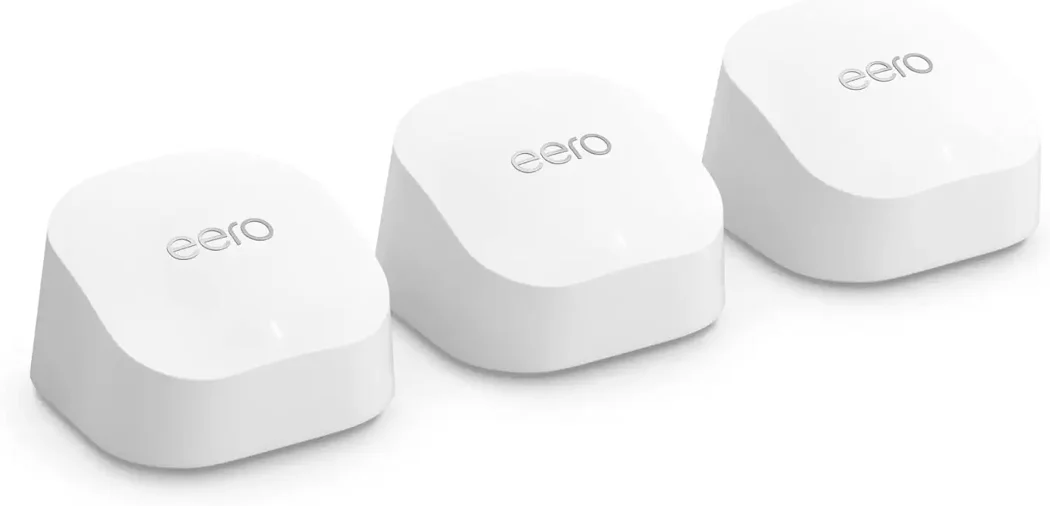
Wi-Fi mesh setup
- Connect the main mesh unit to your existing modem or gateway.
- Position up to two nodes and pair them to the network.
- Test the signal in the rooms you use and review the network settings.

Smart garage door controller setup
- Check the controller against your existing garage opener.
- Connect to existing power and Wi-Fi and set up the mobile app.
- Test open and close commands together and review access settings.
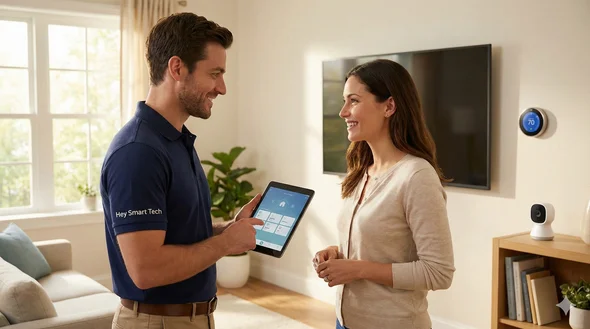
Smart speaker, display or hub setup
- Power up the device and join your existing Wi-Fi.
- Set up the app and link your preferred voice-assistant account.
- Test the controls or display and practice a command you use at home.
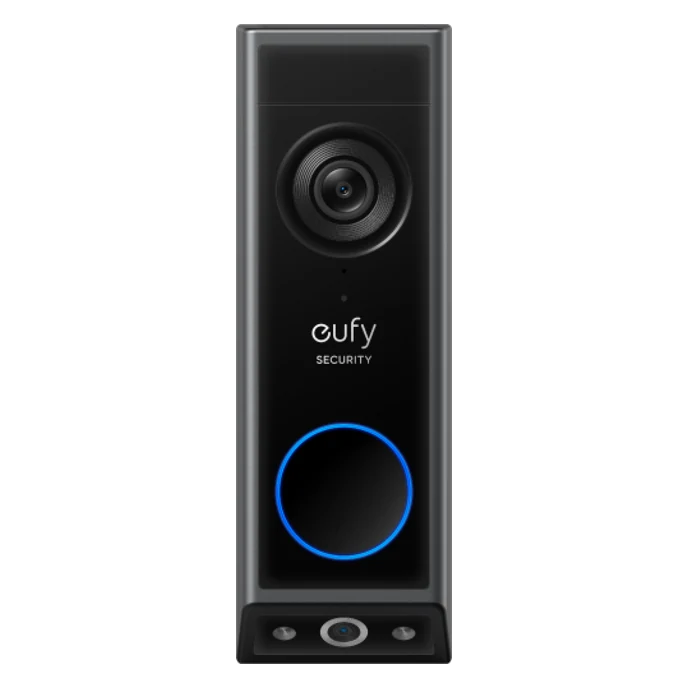
Eufy video doorbell installation
- Install one customer-supplied eufy video doorbell
- Use existing compatible wiring for a wired doorbell
- Connect the doorbell to the eufy app
- Test the chime, live view and notifications
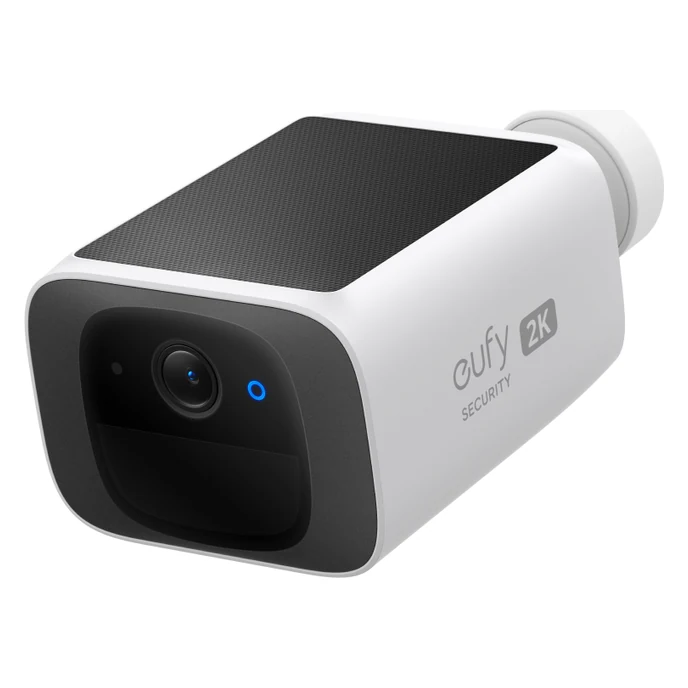
Eufy security camera installation
- Mount one customer-supplied eufy camera indoors or outdoors
- Pair the camera with the eufy app
- Adjust the viewing angle
- Test live video and motion alerts
- Pair one customer-supplied compatible eufy HomeBase during the same visit at no extra labor charge
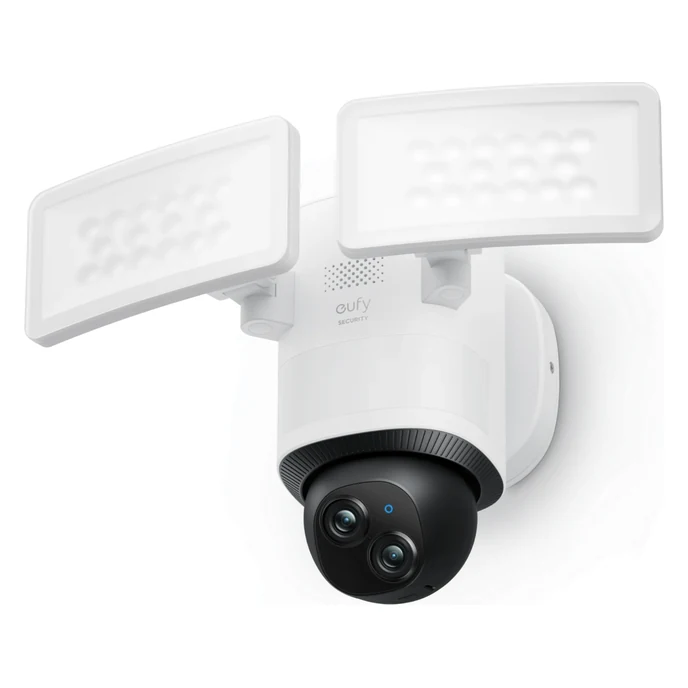
Eufy floodlight camera installation
- Check the existing powered junction box
- Replace the wired floodlight with your eufy floodlight camera
- Aim the camera and light heads
- Pair the camera and test motion alerts
- Pair one customer-supplied compatible eufy HomeBase during the same visit at no extra labor charge
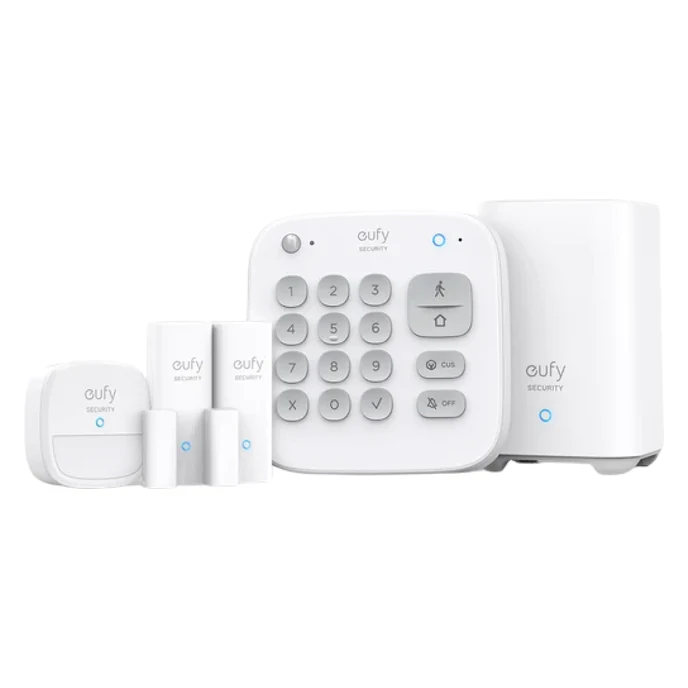
Eufy alarm and sensor installation
- Install one customer-supplied eufy alarm kit
- Pair and label the sensors included in your kit
- Set up Home and Away modes
- Test arming, disarming and sensor alerts
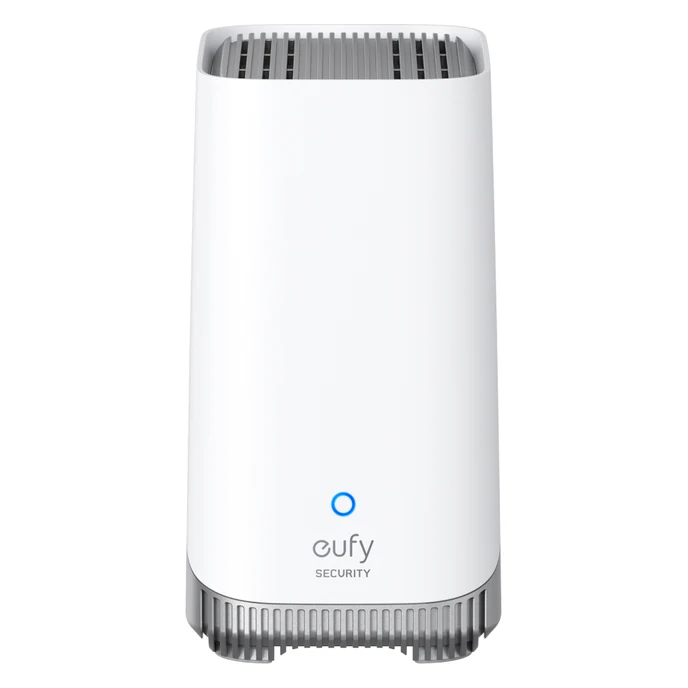
Eufy HomeBase setup
- Connect one customer-supplied eufy HomeBase to your network
- Pair one compatible device
- Test event playback in the app
- Walk through recording and notification settings
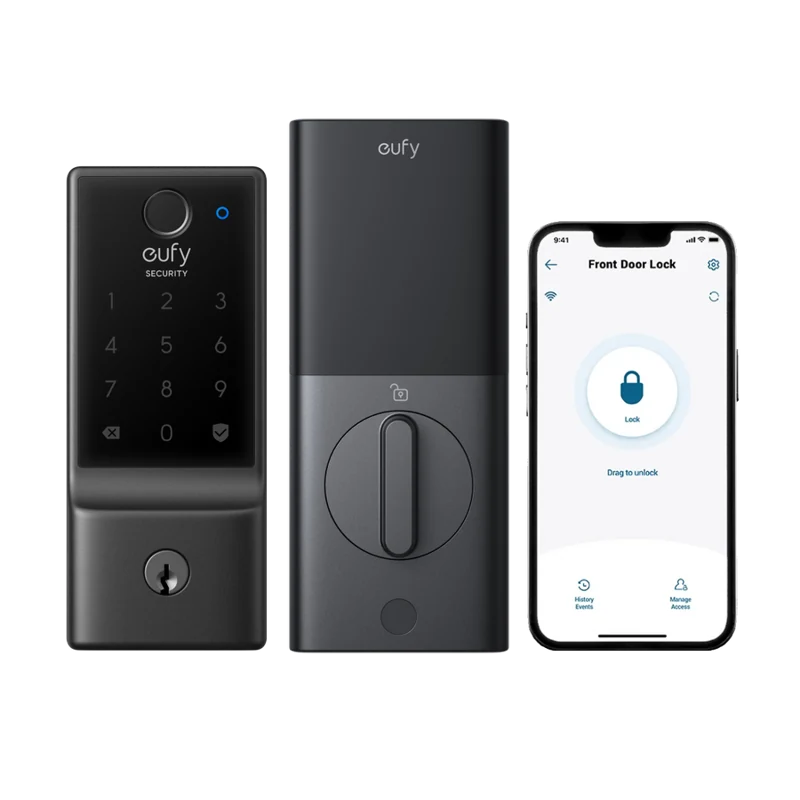
Eufy smart lock installation
- Replace one compatible deadbolt in the existing door opening
- Pair your customer-supplied eufy smart lock with the app
- Test locking and unlocking
- Walk through guest access
Areas we serve
We install Ring and eufy devices, mount TVs and set up home Wi-Fi throughout Broward County and in Boca Raton.
See all 31 Broward cities and townsVacation rental hosts
Guest-Ready includes keypad entry, guest Wi-Fi checks and quarterly visits. The pilot is $299 to set up each rental, then $39 per rental per month. Hardware is separate.
Explore Guest-ReadyHave Eufy devices?
We install Eufy cameras, doorbells, floodlights, alarms and smart locks, and set up compatible HomeBase hubs.
Explore Eufy installation services SoloCam S220 installation
Why choose Hey Smart Tech?
We’re not a random marketplace or app. We’re a local Broward team focused on smart home and Ring setups done right.
Ring & Smart Home Specialists
This is what we do every day—Ring doorbells, cameras, alarms, WiFi, smart locks, thermostats and more. You’re not getting a “maybe they know it” handyman.
Local Technicians
We live and work in Broward County. We show up on time, in uniform, and treat your home with respect.
Flat, Honest Pricing
One flat price per standard service. Choose your options and see the total before you book.
Install + Setup + Training
We don’t just bolt things to the wall. We connect WiFi, configure apps, set alerts, and show you how everything works.

Book or ask a question
Tell us what you need. We’ll call you to answer questions or arrange a visit.
Local installation experience
467+
Broward customers since 2018
16 years
Our founder’s experience as a Comcast field technician
4.9 out of 5
From 14 HomeAdvisor reviews
How your installation works
From choosing a service to learning the controls, here’s what to expect.
Schedule Your Visit
Book online or call us with a quick overview of your devices—Ring doorbells, cameras, TVs, WiFi, smart locks, thermostats, etc.
On-Site Walkthrough & Plan
We arrive on time, look at your home layout, check WiFi signal and power, and confirm the best locations for each device.
Professional Installation & Setup
We install and mount your devices, connect them to WiFi, configure apps, zones, alerts and automations, then fully test everything.
Training & Follow-Up
We walk you through how to use the app, change settings, and troubleshoot basics. If something isn’t right, we’ll come back and make it right.
Our Latest Work
Check out some of our recent Ring installs across South Florida.
Done fast. Done right.
Outdoor camera and solar panel installed on red siding by Hey Smart Tech. Ring Security Camera with Solar
 Wall-mounted television beside a window overlooking Fort Lauderdale Beach.
View more installations
 Hey Smart Tech #bestoftheday
 Smart Home Automation Services. Make Your Home Smart.
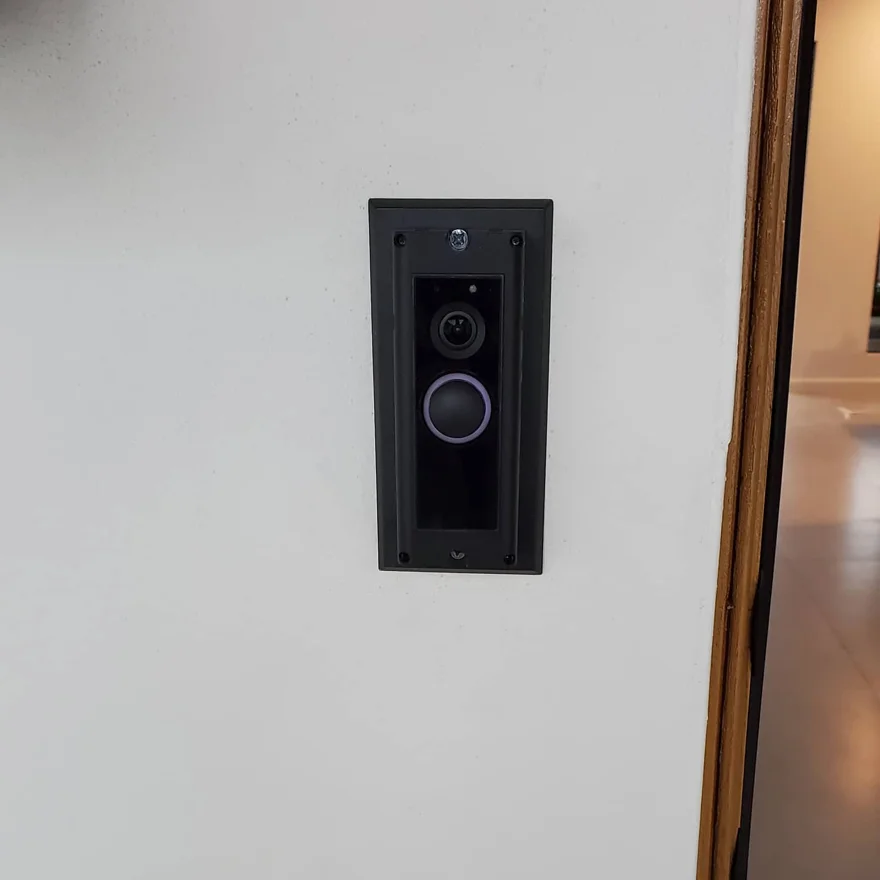
 Ring camera installed beneath an exterior overhang.Black Ring video doorbell installed beside a front door.
 TV Mounting Installation
 Ring Camera with Solar Power
What our customers say
★★★★★“I had an excellent experience with my Ring camera installer.”
★★★★★“Booking and appointment were smooth and timely.”
★★★★★“He set everything up on my phone…”
★★★★★“Shane was extremely professional, friendly and kind.”
★★★★★“They were very patient and clear.”
★★★★★“… answered all of our questions.”
★★★★★“Kept me informed of arrival time.”
Everything You Need to Know
Do I need to buy the Ring devices and TV mounts first?
Yes. You purchase the devices you want—Ring products, TVs, mounts, routers, smart locks, thermostats—and we handle professional installation, setup, and training. If you’re not sure what to buy, we can recommend options.
Which areas do you service?
We install smart home devices throughout Broward County and in Boca Raton. See all 31 Broward cities and towns.
Can you install multiple devices in one visit?
Absolutely. Many customers book us to install a Ring doorbell, a few cameras, mount a TV and tune up their WiFi in one appointment.
Do you offer same-day service?
Same-day and next-day slots are often available, especially for Ring doorbell and camera installs. Availability depends on the schedule, so it’s best to book early.
Do you install Ring doorbells in Boca Raton?
Yes. We install Ring and Eufy doorbells, cameras and alarms in Boca Raton homes, condos and gated communities, often same or next day. See our Boca Raton installation page.
Ready to Make Your Home Smarter and More Secure?
Schedule a visit for Ring installation, TV mounting, WiFi setup, or help with your smart home.